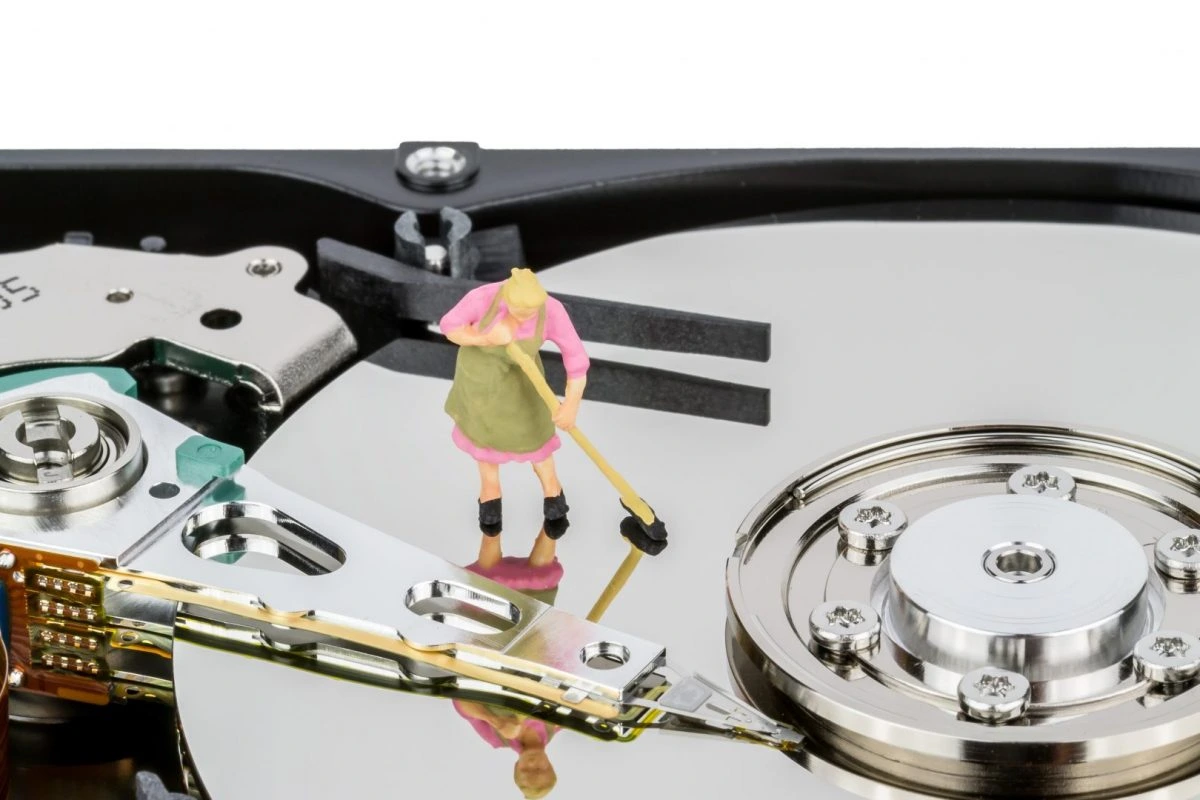
Just like anything else in our environment, computers need regular cleanups to function smoothly and avoid germs or bugs from building up. Your computers do so much for you, so you should also give them the care they deserve. Most computer repair technicians say that more than half of their clients face computer issues because they don’t keep precautionary computer cleaning up to date. Due to the elevated clutter of unwanted files and documents inside and piled up dust components outside the computer, the functioning of the computers gets affected drastically.
This is the reason why many computer users encounter problems like slow working computers or low storage area in their computers. Here, an honest and experienced computer repair technician tells every computer user to what to do to keep their computer clean themselves or approach a professional at a computer repair shop in Edmonton to get the job done without any error.
There are five ways to keep a computer clean as suggested by many prominent computer repair professionals which you will learn below.
Remove Unwanted Data
It is pragmatic of people who avoid computer cleaning job because of being trapped in their busy work schedule. Such delays will not only accumulate the clutter of unnecessary files and documents but also disorganize the entire computer system. So, it is time to clean up all those files and documents including copies, old apps, and old documents that you don’t need anymore. Once you are done with this, organize the remaining data in a manner that is understandable for you or anybody else. An organized system makes it easy for you to find the data and proceed on with your job quickly.
Malware Scanning
Computers are highly prone to malware threats; thus you should never miss out on regular scanning of your computer software. Malware needs to be identified and destroyed as soon as possible so you don’t need to spend a fortune on computer repair in Edmonton in case of data loss. You can get any one of the various malware scanning programs available in the market as per their features, your budget, and computer issues.
Clean the Browser Cache
With time, web pages on every computer begin loading slowly, which can be a result of cluttered browsing data. If this is the case with you, firstly check whether there are any browser extensions that you don’t use anymore, if there are, remove them. Also, clean your browsing history and cookies as they also slow down the loading speed of web pages.
Add External Hard Drive
When short storage in the computer troubles you, get an external hard drive to assist you. There are some files, documents, images, and videos that can’t be deleted, so storing them in an external hard drive will not only increase the storage in your computer but also protect the crucial files that are important to you from computer break down threats.
Cleaning Outer Components
Now is the time to get into an in-depth cleaning and sanitizing of the outer components of your computer. Dust covered outer components like the mouse, CPU, keyboard, or monitor get jammed if not cleaned regularly. Cleaning computer externals will keep the system germs free and hygienic to use.
Cleaning just desktop of a computer is not enough to ensure smooth working of computers as the outside components of computers need the same attention and care as the software. And if you don’t want your work to suffer due to malfunctioning of your computers, take note of the foregoing ways to a clean computer and get started with your work optimally. If you need a pro to look at it, search for computer repair Edmonton and request us.


![Data Roaming Meaning: What is Data Roaming? [Easy Guide]](https://ticktocktech.com/wp-content/uploads/2026/01/edmonton-2-2.webp)