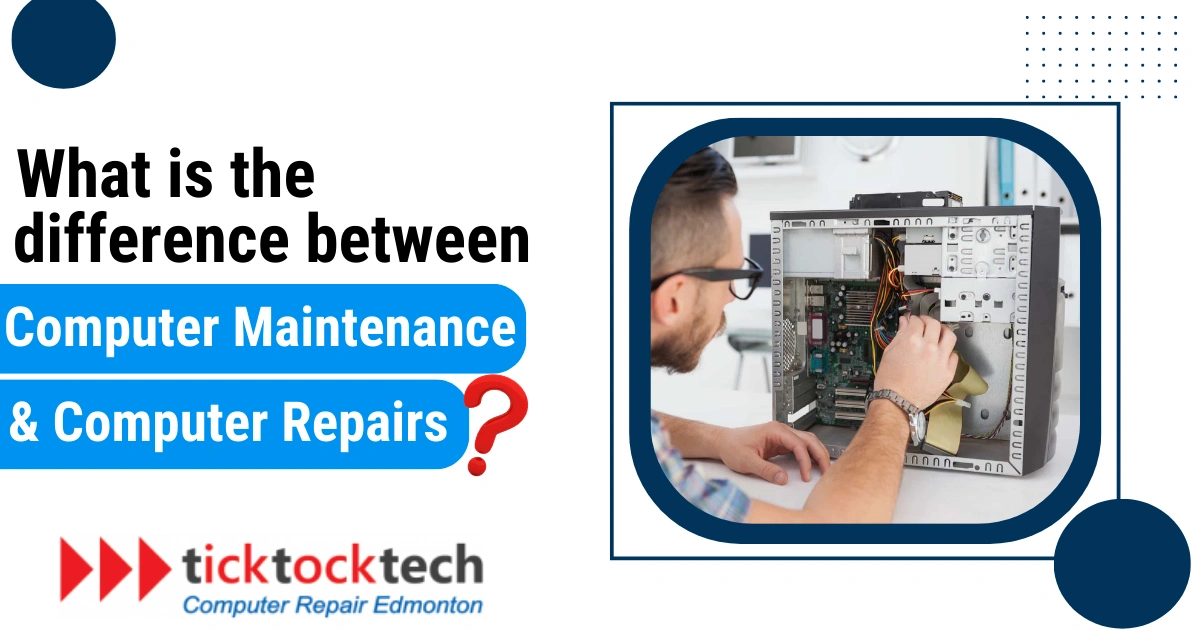
Computers have given us access all kids of information we need. But, inevitably, computers will require maintenance to continue providing us with this access. When your desktop or laptop breaks down then you have only two options: either to fix it by yourself, or find a suitable computer repair service. PC or desktops need the right technician who has skills and expertise in the repair service. But it is hard to find the best computer repair services in Edmonton. Hence if you’re looking to find a PC repair service then consider these precautions before taking your computer for repair.
Be Selective:
Unluckily, all repair shops are not made equally. A well-established business with a long history of satisfied customers is much better than the guy who is good with computers and fixes them up in his house. Hence don’t be any less selective when it comes to repairing your laptop or PC, and whoever you are choosing to repair your computer be sure that they keep your data safe and secure. You should also examine that what measures the repair shop will take if any confidential comes into the light.
Make Sure You Have a Data Backup:
The risk of losing your data from the repair shop Is considerably small but there is still a possibility that some data might be lost. So, to ensure your personnel data will be safe during the repair, you should keep a copy of its content. Data loss can happen at any time and has an especially high likelihood during repair. A backup or a recovery software can help to minimize the damage.
Make Sure Data is Encrypted or Remove It before Repair:
No matter how successful or trustworthy a repair company is, there’s always a possibility that there’s someone bad among its staff members. It is better to remove your data from the computer from the loss or any theft. There is also an alternative if you encrypt your data then it is very hard for them to open those files even if they extract your data, all they will get is an indecipherable mess.
Software Keys Must Be with You:
If you have access to specific software related to your work, this is especially to keep in mind. There is a possibility that at some level of the repair process will have unfortunate results which leads to removing of your essential software. If come across this problem then it is better to keep your software keys because you will certainly need them to reinstall your software. This also includes your computer’s operating system.
Make It Easy to Access Your Device:
In order to make the repair necessary, the technician will need to check your device once. You can make it easier by disabling your password before logging into the system which allows repair technician to do what need to do. It is also a good thing to write a detailed description of the issue and attach it to the outer part of the computer to help the technician to identify the issue.
Inevitably, computers break down and to get them fixed may cause a bigger problem. So consider these steps to avoid any more problems than you already need to deal with. This will also help you to find a suitable computer screen repair in Edmonton.
![8 Best Laptops for Students in Canada [2024]](https://ticktocktech.com/wp-content/uploads/2026/01/Which-laptop-is-the-best-for-students-in-Canada.webp)