Computers and laptops have become essential tools for everyday life. Whether you use your device for work, education, online meetings, business operations, or entertainment, even a small technical issue can interrupt your routine.
However, many people ignore early warning signs until their computer stops working completely. A device that takes several minutes to start, frequently freezes, overheats, or displays unexpected error messages may be experiencing an underlying hardware or software problem.
So, how do you know when it’s time to call a professional?
If you are searching for computer repair Edmonton, understanding these warning signs can help you identify problems early, protect important files, and avoid more expensive repairs.
Here are seven common signs that your PC or laptop may need professional attention.
1. Your Computer Has Become Extremely Slow
One of the most common warning signs is a noticeable decline in computer performance.
If your computer takes too long to start, applications freeze frequently, or even simple tasks become frustrating, something may be affecting its performance.
Several factors can cause this issue:
- Too many applications running in the background.
- Insufficient RAM for your daily workload.
- Limited storage space.
- Outdated operating systems or drivers.
- Malware or unwanted software.
- An ageing or failing storage drive.
Before contacting a technician, try restarting your computer, closing unnecessary applications, and checking available storage space.
However, if the performance does not improve, professional troubleshooting can help identify the actual cause.
A technician can examine your system, check hardware performance, remove unnecessary software, and recommend suitable upgrades when required.
2. Your Computer Frequently Freezes or Crashes
Does your screen suddenly stop responding while you are working? Do applications close unexpectedly, or does your computer restart without warning?
Frequent freezing and crashes should never be ignored.
These problems can be caused by faulty RAM, overheating components, corrupted system files, incompatible drivers, or failing hardware.
One particularly concerning symptom is the Blue screen of death, which indicates that Windows has encountered a critical system error.
Occasional software glitches may be resolved with a restart or update. However, repeated crashes require proper diagnosis.
If your computer frequently becomes unresponsive, professional PC repair Edmonton services can help identify whether the issue is related to hardware, software, or system configuration.
3. Your Laptop or PC Is Overheating
Computers generate heat during normal operation. However, excessive heat can affect performance and potentially damage internal components.
If your laptop becomes unusually hot, its fans run constantly, or the system shuts down unexpectedly, it may have a cooling problem.
Common reasons include:
- Dust blocking the ventilation system.
- Damaged or malfunctioning cooling fans.
- Dried-out thermal paste.
- Poor airflow around the device.
- Heavy applications placing excessive demands on the processor.
An overheating laptop may automatically reduce its processing speed to protect internal components. This can make everyday tasks slower and less reliable.
Keep your device on a hard, flat surface and avoid blocking its air vents. If overheating continues, have a technician inspect the cooling system.
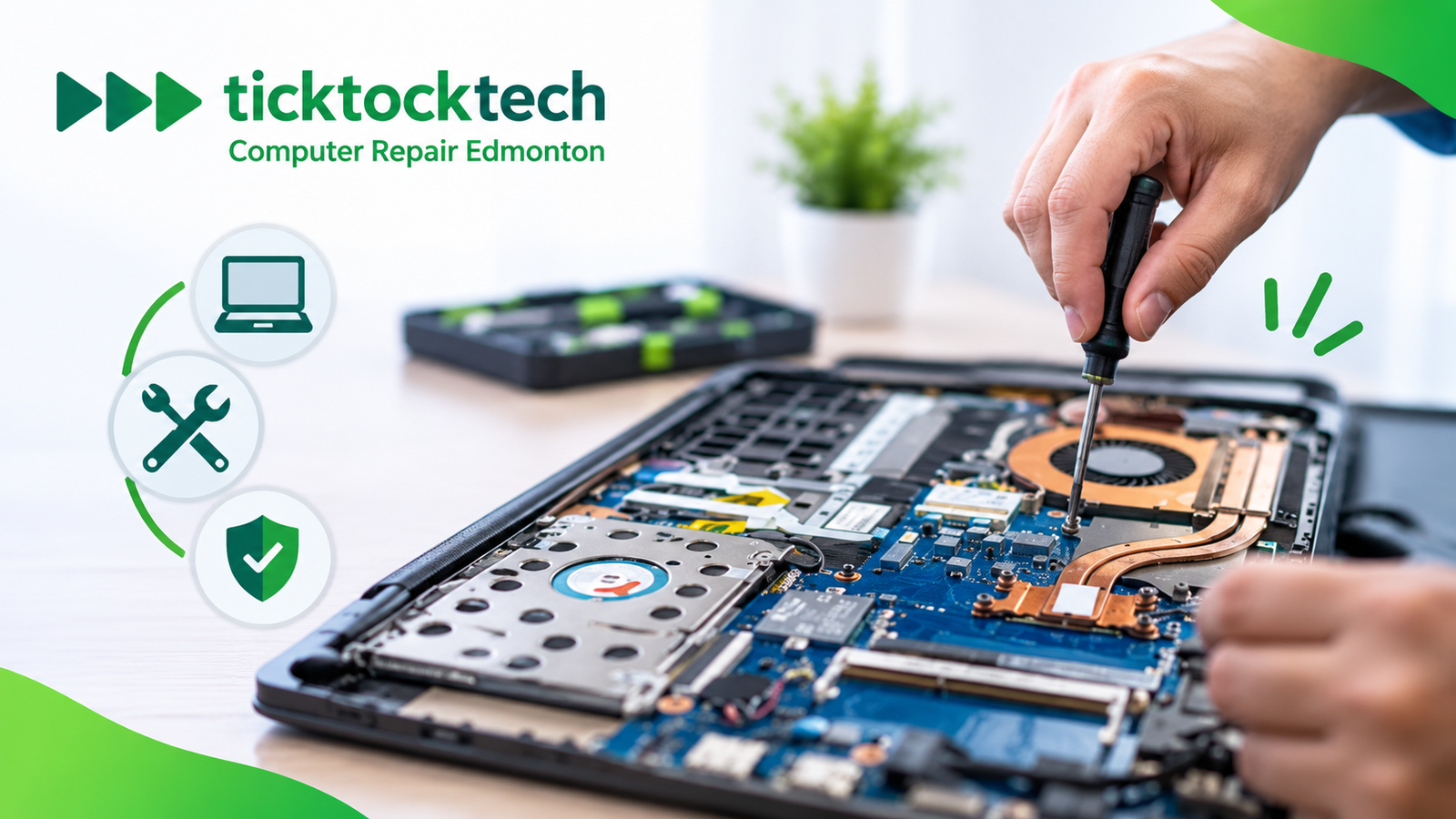
Professional servicing can help identify airflow problems, clean internal components safely, and determine whether any hardware needs replacement.
4. You Notice Unusual Pop-Ups, Ads, or Security Warnings
Unexpected advertisements, unfamiliar browser extensions, suspicious redirects, and repeated security warnings may indicate a cybersecurity problem.
Not every pop-up is dangerous, but unusual activity should be investigated.
A malware infection can affect computer performance, compromise personal information, modify browser settings, and expose your device to security threats.
Some common warning signs include:
- Unknown applications appearing on your computer.
- Browser settings changing without permission.
- Suspicious emails or security alerts.
- Unusual network activity.
- Files becoming inaccessible.
- Frequent redirects to unfamiliar websites.
Avoid clicking suspicious links or downloading unfamiliar software.
If you suspect your computer has been compromised, disconnect it from the internet if appropriate, avoid entering sensitive information, and seek professional assistance.
A qualified technician can inspect the system, identify malicious software, remove threats, and recommend security measures to reduce the risk of future attacks.
5. Your Computer Makes Unusual Noises
A computer should generally operate without unusual mechanical sounds.
If you hear clicking, grinding, buzzing, or loud fan noises, it may indicate a hardware issue.
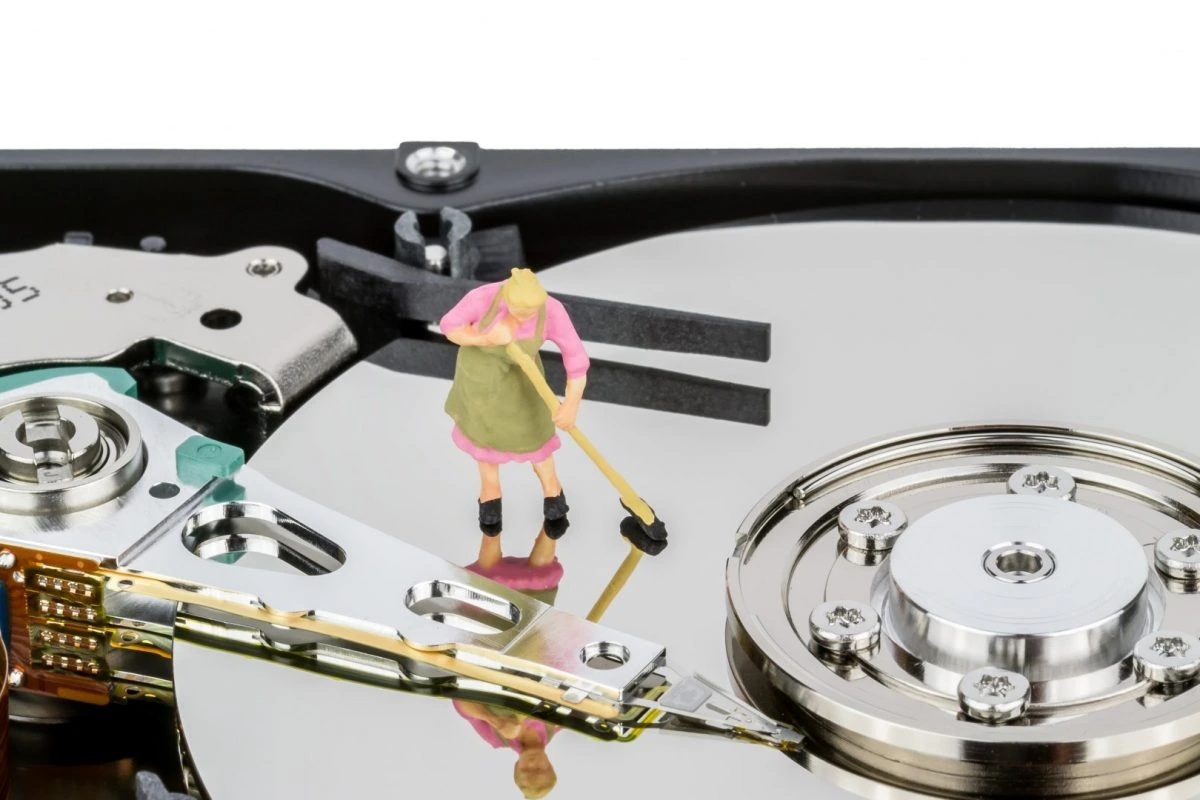
For example, repeated clicking from a traditional hard disk drive can be a warning sign of mechanical failure. Loud fan noise may indicate dust accumulation, cooling problems, or excessive system temperatures.
A potential hard drive failure deserves immediate attention because it can result in permanent data loss.
If your computer contains important documents, photos, business files, or personal information, avoid repeatedly restarting or running unnecessary repair utilities when storage failure is suspected.
Professional diagnosis can help determine whether the problem is related to the storage device, cooling fan, or another internal component.
If your files are important, discuss data recovery options before attempting repairs.
6. Your Computer Has Battery, Charging, or Power Problems
Power-related problems can make even a perfectly functioning computer difficult to use.
For laptop users, common warning signs include:
- Battery draining unusually quickly.
- Laptop not charging properly.
- Device shutting down without warning.
- The charging port becoming loose.
- Battery swelling or overheating.
Desktop computers can also experience power-related issues, such as unexpected shutdowns, failure to start, or repeated restarting.
These symptoms may indicate a damaged charging adapter, faulty battery, defective power supply, or motherboard-related issue.
If you notice a swollen laptop battery, stop using and charging the device. Do not attempt to puncture, press, or remove it yourself. Arrange professional servicing.
For persistent power problems, laptop repair Edmonton technicians can inspect the battery, charging components, and other hardware to determine the appropriate solution.
7. Your Computer Has Connectivity or Hardware Problems
A computer does not need to stop working completely to require professional attention.
Sometimes, individual features begin malfunctioning.
For example:
- Wi-Fi disconnects repeatedly.
- USB devices are not recognised.
- The keyboard or touchpad stops responding.
- Your monitor displays flickering images.
- Printers fail to connect.
- The computer cannot detect external storage devices.
These issues can result from outdated drivers, damaged ports, faulty cables, network configuration problems, or internal hardware faults.
Start by checking the cables, restarting your router, and updating relevant drivers where appropriate.
If the issue continues, a technician can inspect the device and troubleshoot the underlying problem.
Professional onsite computer repair can be particularly useful when you need assistance with computer hardware, network connectivity, printers, or multiple connected devices at home or in your office.
When Should You Choose Professional Computer Repair Instead of DIY Fixes?
Not every computer issue requires professional assistance. Simple problems, such as restarting your device, freeing storage space, or installing routine software updates, can often be handled at home.
However, attempting complicated repairs without the right knowledge can make an existing issue worse.
Here is a quick comparison:
| Computer problem | Recommended action |
| Temporary software glitch | Restart and check for updates |
| Low storage space | Remove unnecessary files after backing up important data |
| Repeated system crashes | Professional diagnosis |
| Suspicious malware activity | Professional security inspection |
| Unusual clicking sounds | Stop unnecessary use and seek assistance |
| Battery swelling | Stop using and charging the device; seek professional help |
| Persistent hardware failure | Professional repair |
If basic troubleshooting does not resolve the issue, professional computer repair edmonton services can help prevent further damage and restore your device’s functionality.
Why Choose TickTockTech for Computer Repair in Edmonton?
Finding a reliable technician is important when your computer contains valuable information or supports your everyday work.
TickTockTech provides professional computer and technology support for residential and commercial customers in Edmonton.
Whether you are dealing with a malfunctioning desktop, a laptop performance issue, software errors, or network connectivity problems, its technicians can help diagnose and address the issue.
Here are some reasons to consider TickTockTech:
- Same-Day Service: Get access to same-day service options when you need technical assistance quickly.
- Free Onsite Estimates: Understand the recommended repair work and estimated costs before proceeding.
- Convenient Onsite Support: Technicians can visit your home or office, reducing the need to transport your equipment.
- Experienced Technicians: Receive assistance from technicians trained to troubleshoot different hardware and software issues.
- Transparent Pricing: Understand the repair process and pricing structure before authorising work.
From troubleshooting and virus removal to data recovery, hardware upgrades, and network support, TickTockTech offers a range of technology solutions.
If you need laptop repair Edmonton or assistance with a desktop computer, contact TickTockTech to discuss your technical problem and available service options.
Final Thoughts
Your computer usually provides warning signs before a minor technical issue develops into a major problem. Slow performance, frequent crashes, overheating, unusual noises, and unexpected security warnings are all symptoms worth investigating.
Ignoring these problems can lead to reduced productivity, hardware damage, or potential data loss.
The best approach is to identify the issue early, protect your important files, and seek professional help when basic troubleshooting is not enough.
Whether you use a computer for personal tasks or business operations, timely maintenance and professional support can help keep your device running reliably.
If your PC or laptop is showing any of these warning signs, contact TickTockTech to explore professional computer troubleshooting and repair options in Edmonton.
Frequently Asked Questions (FAQs)
1. How do I know if my computer needs professional repair?
If your computer frequently freezes, crashes, overheats, runs unusually slowly, makes strange noises, or experiences recurring hardware problems, it may need professional diagnosis. Persistent issues should not be ignored.
2. How much does computer repair cost in Edmonton?
The cost depends on the type of problem, required replacement parts, and time needed for diagnosis and repair. Software troubleshooting may cost less than motherboard, screen, or storage-related repairs. Request an estimate before approving the work.
3. Can a slow computer be repaired without replacing it?
Yes. Many slow computers can be improved through software optimisation, malware removal, storage upgrades, or additional RAM. However, the appropriate solution depends on the device’s age and hardware condition.
4. Is it better to repair or replace an old laptop?
It depends on the laptop’s age, repair cost, hardware condition, and performance requirements. If the repair is affordable and the device still meets your needs, repairing it may be worthwhile. If multiple major components are failing, replacement may be more practical.
5. Can professional technicians recover deleted computer files?
In some situations, yes. Recovery depends on the storage device’s condition, how the files were deleted, and whether new data has overwritten them. If you lose important files, stop using the affected storage device and consult a data recovery professional.
6. Does TickTockTech offer onsite computer repair in Edmonton?
Yes. TickTockTech provides onsite technology support in Edmonton for residential and commercial customers. You can contact its team to discuss your issue and arrange service.
7. How can I prevent frequent computer problems?
Keep your operating system and applications updated, use reliable security software, maintain sufficient storage space, clean ventilation areas, avoid suspicious downloads, and back up important files regularly. Professional maintenance can also help identify potential hardware issues early.