It is a common thing to experience defects, issues, and damages on the electronic devices. Among the most necessary devices, computers are one of the most significant machines that are necessary for both the domestic and official environment. Slow computers can hinder the official work and even personal purpose. For recoverable issues, it would always be a better option to get it repaired rather than buying a new one.
Hiring a repair shop can consume a lot of expenses. But if you lack proper technical knowledge, it would be advisable to hire the cheap computer repair in Winnipeg to seek help for repairing and to avoid expenses. However, for your satisfaction, you can perform the following simple remedies before hiring a repair service.
Computer Freezes
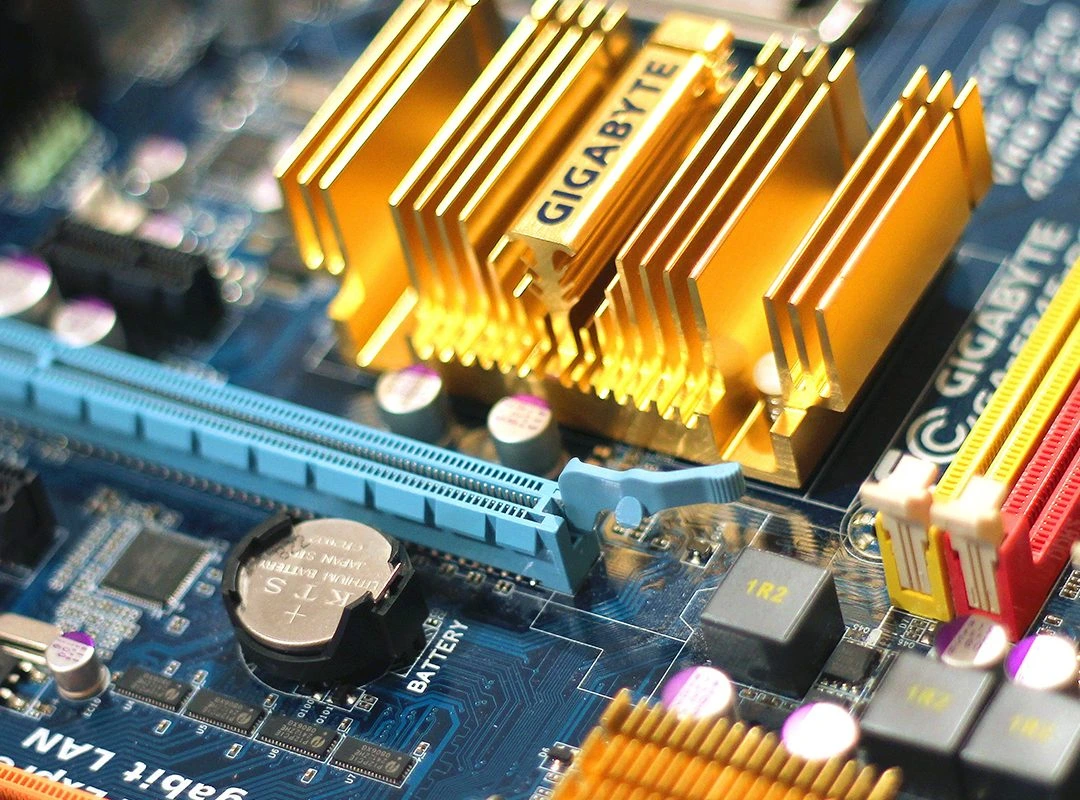
To fix the problem of slow computers and computer freezes and slow run, making your computer to take a bit of rest can be helpful. You can also check whether the computer is overheating or not. To do this, you should first shut down the computer then unplug it and open the cabinet of your computer. Running a diagnostic check can also help to determine the causes behind the slow run. Nowadays, computers are designed with built-in diagnostics that can notify the presence of any issues.
Updating System
While updating Windows, the systems are likely to download and install an erroneous driver in most cases. It can cause freezing of the computer. Users can check the driver status through Device Manager where they can detect the errors with a yellow exclamation adjacent to it. In this case, one can try unplugging the connected USB device and observe if the error persists or not. If the error goes away after trying it, you have a problem with the device. If your computer works once you turn on, everything is fine. Or else, you can restore the computer to an old configuration. This way, the system can set back to the earlier set of drivers.
System Restore
While reviving by using a restore point, you will lose the software, such as apps, drivers, and updates which can create issues. At this point, you can consult an expert to avoid inconveniences. One should not try to interrupt while recovering the system though it takes time. You should also remember that you cannot undo the changes in the PC after restoration while running in a Safe Mode or the Windows Recovery Environment.
Hard Drive
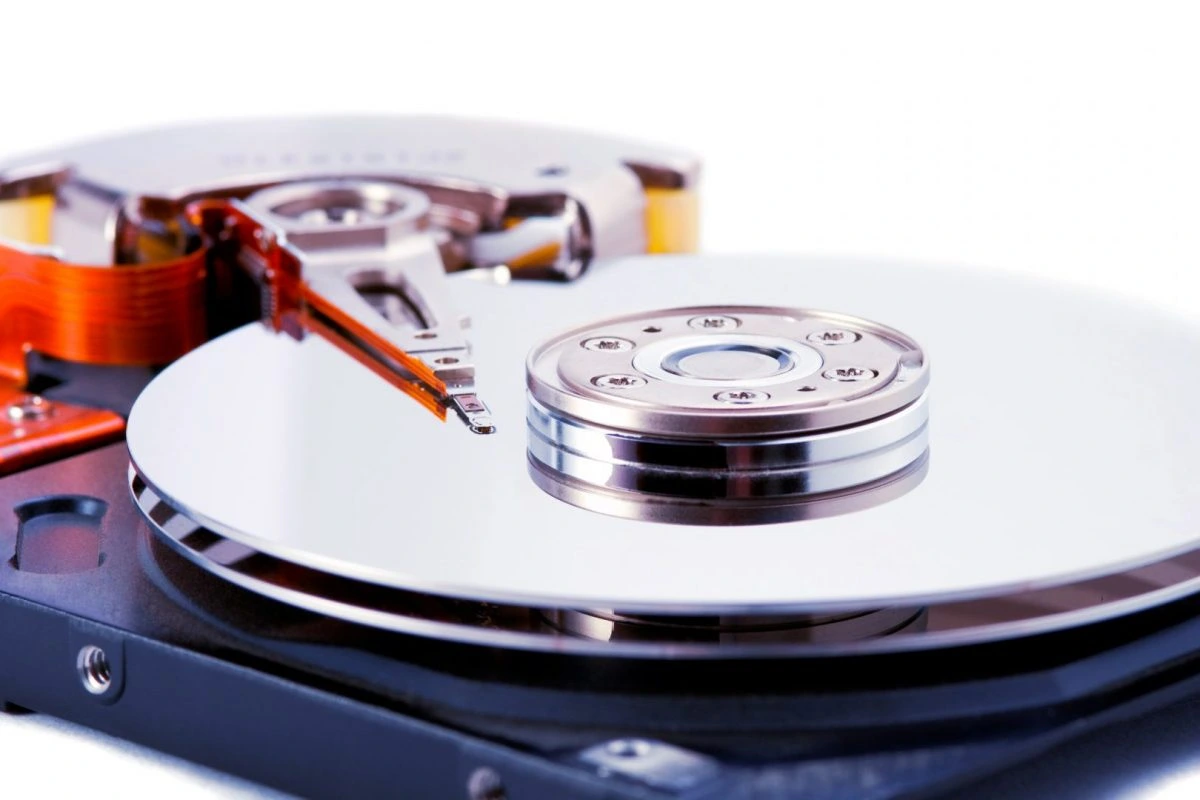
Checking your hard disk can also be of great help to fix the freezes and slow computers. The hard disk stores all the information that prolonged use can make it cluttered and patchy. It will make the computer’s performance slow. So, regular scanning and removal of bad sectors can prevent any form of risk leading to slow process and freezes. Sometimes, viruses and malware can make your system process slow that can hinder your workflow. Installing an anti-virus or anti-malware program also prevent these types of issue.
Format, Reinstall
If all these remedies fail to fix the problem, the last option would be reinstalling the operating system. While restoring, you should not forget to back up your valuable files and data. Or else, you will lose them permanently. You can try these tips at home if you face a slow run and freezes. However, hiring an expert or repair company would be a wise decision to avoid permanent damage due to a lack of skills and technical knowledge. If you are looking for expert guidance, you can seek help from a reputed PC repair in Winnipeg to fix your computer problems.