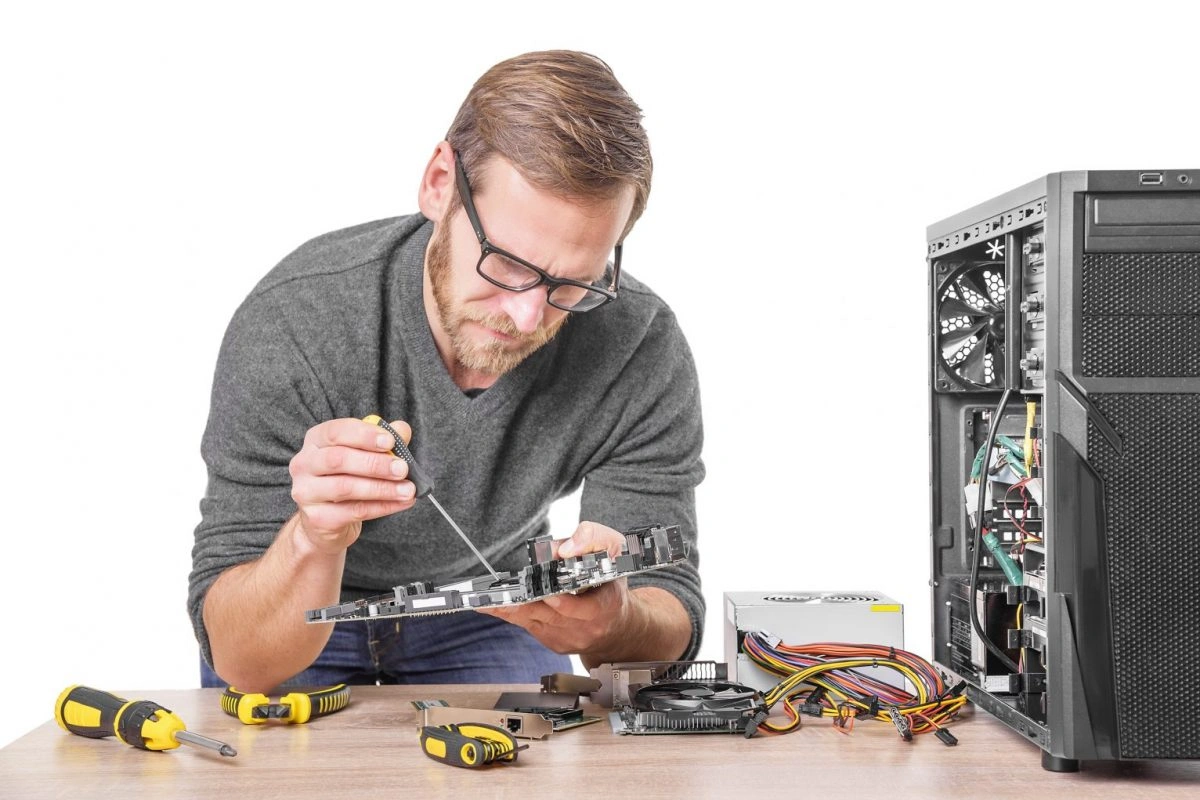
Have you ever asked yourself how a human technology interface works? This is a question that is central in modern society. As technology advances, our communication tools are changing too. Our everyday encounters are substantially influenced by Human Technology Interface (HTI) like smartphones, virtual reality, and the like. Below is an explanation of how it works.
What Is a Human Technology Interface?
To understand Human Technology Interface (HTI), we have to first define what it is. An interaction linking humans and machines is known as the Human-Technology Interface. This is just like the touchscreen on a smartphone or keyboard on a PC. This enables us to operate devices conveniently without any stress.
How Does It Work?
So, how does the human-technology interface work in practice? It involves several components working together. Let’s break it down:
Input Methods
First off, we have to put information in the device. There are different means to do that:
- Touchscreens: to interact with the screen, we make use of our fingers.
- Keyboards: commands are typed by us using the keyboard.
- Voice Recognition: we talk to the command, and the device gets it.
- Gestures: movements of the hand can drive the device.
Processing
Whenever we enter some information, the device analyzes it. This is done through the software that interprets our commands. For instance, by tapping on an app on your phone, the operating system will process the tap and open the app.
Feedback
Feedback in HTI is very important. This informs us that our actions have been recognized. This feedback could take the form of a lighting up of a screen. This could also be sounded such as beeping or felt as vibrations.
Types of Human Technology Interfaces
Different HTIs exist which have specific advantages and applications. The main types are as follows:
- Graphical User Interfaces (GUIs): GUIs are the most common type. They are intuitive and user-friendly because they employ icons and graphics everywhere. GUIs enable you to perform complicated tasks with ease and simplicity.
- Voice User Interfaces (VUIs): VUIs allow us to interact with technology using voice commands in a hands-free way. They are often found in virtual assistants like Siri and Alexa.
- Brain-Computer Interfaces (BCIs): BCIs are the most advanced HTIs. They allow direct communication between the brain and a device. BCIs can help people with disabilities control computers and prosthetics by using their minds to operate.
The Role of Artificial Intelligence in HTI
Artificial Intelligence (AI) is transforming today’s HTIs with a very vital role. AI enables interfaces to function more cleverly by learning. One example is employing AI to increase the accuracy of voice recognition. Additionally, it allows predictive text inputs to make typing easier and faster.
Challenges and Future Directions
While HTI has its problems, privacy and security remain significant issues. As interfaces advance, they gather more data. It is important to safeguard this data. In addition, there is also accessibility which is another challenge. HTIs should be for all people including persons with disabilities. Hence, designers need to take into account various needs in creating HTIs.
The future of HTI appears very bright. Augmented Reality (AR) and Virtual Reality (VR) will completely change the way we use technology. They shall therefore make it possible for users to have an immersive experience. These technologies will integrate both digital and physical worlds.
Conclusion
It means a lot in the modern world to know how Human Technology Interfaces function. From simple touch screens to advanced BCIs, these interfaces determine our mode of interaction with technology. They allow for easy access to tech gadgets while adding to the quality of life. In the future, there will be a lot of changes making it a more natural experience that is more seamless. Thus, when you slide your fingers across that screen or speak into Siri’s ear one thing should cross your mind. This is an amazing piece of technology.
Frequently Asked Questions: How Does the Human Technology Interface Work?
What is an example of a human technology interface?
An excellent example is a smartphone touchscreen. This means that you can interact with your phone by simply tapping or swiping.
How do Voice User Interfaces work?
This is done through Speech Recognition Technology. Spoken words are converted into electronic commands which the machine can interpret and act upon in turn.
Why is feedback important in HTI?
It confirms to the user that the information they provided has been received and processed by the device. This also serves to improve the quality of action outputs made by providing instant responses.
How does AI improve HTIs?
AI makes interfaces smarter and more adaptive. It enhances voice recognition, enables predictive text, and powers advanced features in smart devices.