Most computer users try to fix their computer problems on their own before investing their hard-earned money on the services of professional repair technicians. Unfortunately, this exposes them to an elevated risk of injuries and loss of crucial data and files. When working on the inside of a computer, there are some really critical components that can get damaged by even the oil of your skin. Thus, the first thing everyone trying to repair the inside of a computer should do is clean their hands to prevent possible grease and dirt components from reaching these components. From too much static energy to even a small amount of the same can serve as an enemy for the interior components of a computer.
Hence, whenever a computer user or even a professional provides home computer repair in Hamilton, the following are the computer repair safety tips they should never overlook while conducting a computer repair job.
Remove whatever jewelry you are wearing.
Be it a watch, bracelet, ring, or even a necklace, make sure while on the inside of the computer, you take them off your body. These personal pieces of stuff are generally made of conductive metal and can land you electrocuted, transfer static electricity, or cause a short circuit in the computer. A computer is a high voltage device, so it is better to work around it with nothing conductive in hand, especially while testing the power supply, or things will go beyond repair.
Unplug power sources for additional safety.
It will be careless of someone who is repairing the computer, to work on it keeping the power plugs on. This can cause severe injuries to the person and can also damage the computer components due to overheating. If you don’t want to splurge on purchasing a new motherboard or other hardware components, make sure you unplug all the cables before time.
Wait a few minutes after unplugging power sources.
Computer components and other parts contain capacitors which store in themselves enough electric charges to kill a person. Basically, capacitors are mini electronic components in the inside of the computers that hold the electricity even after you have plugged off the power supply to the computers. Thus, for your safety, it is wise that you wait for a few minutes after unplugging all power sources to give capacitors time to shred all electric charges.
Do not touch the Non-Serviceable components.
Components like power supply are mostly attached with safety warning that says “Non-Serviceable Components Inside”. So, if you come across such statement, take it as a serious warning, for there are some components that not even professional repair technicians are allowed to meddle with. It is better to let these components be untouched and unserved and not take them as an insignificant challenge.
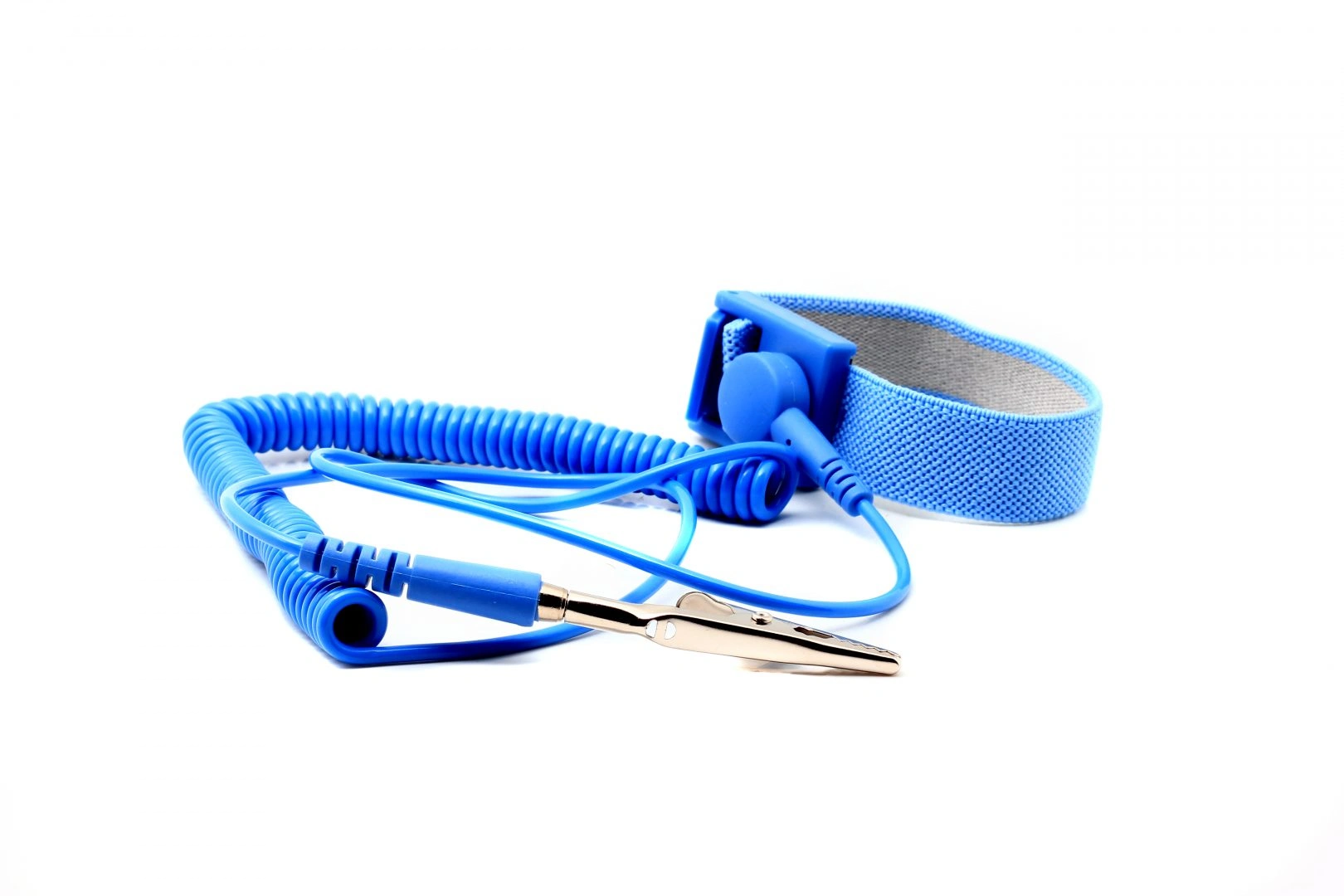
No jewelry but an anti-static wrist strap.
You may think that it is not an issue to work on your own computer with the knowledge you possess, but no matter how big expert you are in this field, there is always a precaution that you should take care of while working on somebody else’ computer. Even if you know you are careful when dealing with high voltage equipment, wearing an Anti-Static Wrist Strap will boost safety. It will allow you to take note of possible electric charges before they can damage the components or even harm you.
Computer Repair safety tips in a nutshell
In a nutshell, it is the electricity that you should be careful about, or else, efficient PC or Apple computer repair in Hamilton will be hard to achieve.